


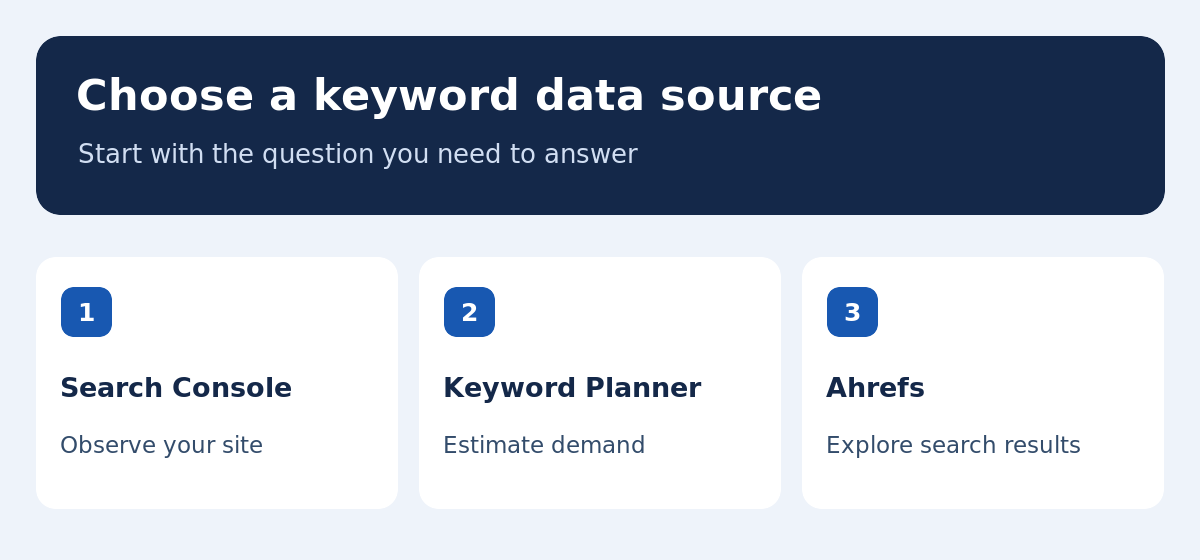
Keyword research tools help you find how people phrase a task, inspect the answers they see, and choose the page that should serve them. The right source depends on the decision. For an existing page, look at the queries already bringing impressions and clicks. For a new category, combine search ideas with demand estimates and a review of the live results. This guide compares Google Search Console, Google Keyword Planner and Ahrefs, then shows how to turn a keyword list into a page map your team can maintain. The example follows a site that helps small ecommerce teams build a newsletter.
Define the decision before opening a tool
Write the question you want the research to answer. For example: should we improve the ecommerce email software comparison, or create a separate tutorial about signup forms? Record the intended audience, country, language and action. List the relevant pages you already have. That makes it easier to distinguish ideas you can put on a current URL from ones that deserve a new page. A list sorted by volume alone can mix product reviews, comparisons and tutorials that call for very different evidence. A clear question helps you look for specific differences in search intent and choose the right source for the work.
Use Search Console for queries your site already serves
In the performance report, select a page, country and time range. Review the queries that produced impressions and clicks. Compare similar periods and check whether more than one URL appears for the same expression. Search Console reports observations for your site, and some queries may be absent from tables. For an existing article, look for evidence of a reader need you partly address already. For example, queries asking about export limits could justify a verified section in a software comparison. Our SEO rank tracking guide explains how to set the baseline and interpret the position and click data.
Use Google Keyword Planner to estimate demand
The Google Ads documentation distinguishes historical metrics from ad forecasts. Historical search estimates depend on location and network settings and may include close variants. Use them to compare demand among related topics and record the settings you used. Forecasts also reflect factors such as budget and bid assumptions. They do not forecast organic traffic to a specific page. For seasonal topics, compare the trend across months and plan for when readers need the answer. A yearly average may hide a recurring spike in searches about holiday shipping or tax preparation. Check whether the date of the estimate suits the decision.
Use Ahrefs to find variants and inspect results
Ahrefs Keywords Explorer can expand seed terms and help you compare result pages, related queries and difficulty estimates for a selected market. Treat a difficulty number as a way to sort the list. Read the results to see which pages answer the task and what kind of evidence they include. If a broad comparison already has recent hands-on reviews from credible sites, start by deciding what your page can add. You may be able to serve a narrower audience such as shops using a specific integration. A query that looks easy numerically can still be hard to answer well without reliable examples.
Understand why the numbers disagree
Search Console counts appearances for your pages. Keyword Planner reports historical estimates using settings and definitions intended for advertising. Another service may use a different dataset, market, update schedule or model. Keep the source and date with every figure in your sheet. Avoid combining unlike metrics into a single average. If two estimates imply different priority, look at the range, the results and what you know about your readers. A disagreement can reveal seasonality or a difference in how the variants are grouped. Treat volume as evidence about demand, and decide separately whether your site can provide a helpful answer.
Build a keyword-to-page map
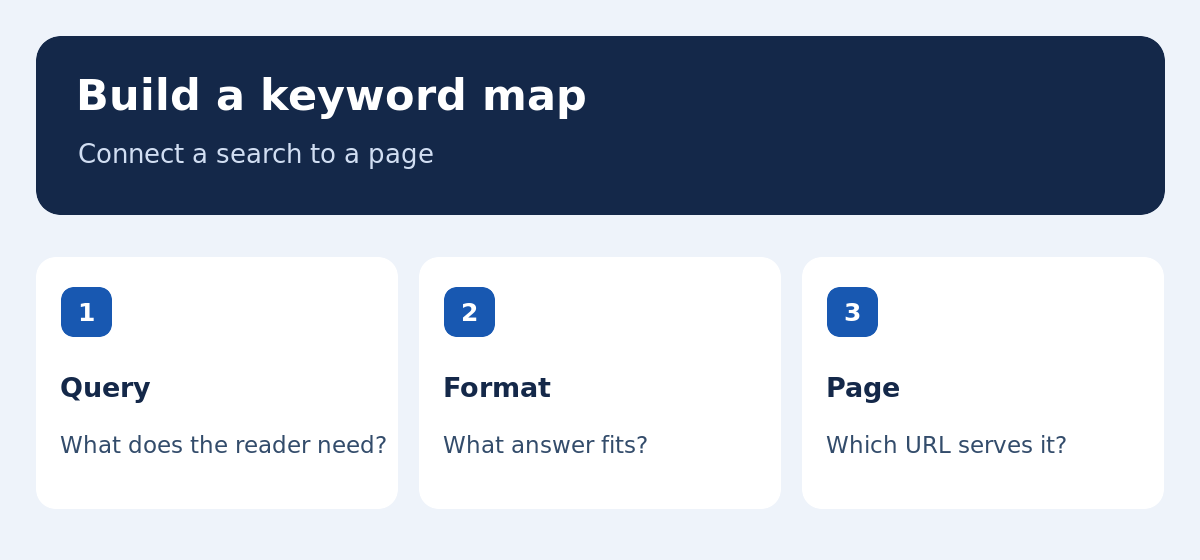
For each group, record the main query, reader task, expected format and intended URL. A search for the best newsletter software might need a comparison with criteria and tested options. A search about adding a signup form needs a method and a way to confirm each step worked. Combine variants that call for the same answer. If the results overlap, open the pages and check what a reader can accomplish. For a bilingual project, use a linked row for each language with its own terms and market. Include the hub and related articles that can link to the new destination once published.
Worked example: a newsletter topic cluster
Suppose the site has an email marketing hub, a Mautic review and a general comparison. A broad tool query can stay with the comparison if it needs several options. A question about Mautic pricing or hosting belongs on the review if you can verify the answer. A query about configuring a signup form warrants a tutorial if readers need step-by-step instructions. Record which section serves each query and how a reader would get to their next task. Our semantic SEO guide develops the same example into page outlines and an internal linking plan.
Review the results before committing to a format
Check the main query and a few variants in the target market. Note the result types, recent updates, and features that may affect clicks. Open representative pages and examine what they explain well. Identify the evidence, steps or comparisons your audience still needs. If results favor instructions, a generic list of tools may miss the task. If they favor a product page, a long introduction could make the next action harder to find. Save a dated note so another editor can repeat the check. Search results change over time, and you may need to reconsider a brief before publication.
Prioritize ideas by relevance, evidence and effort
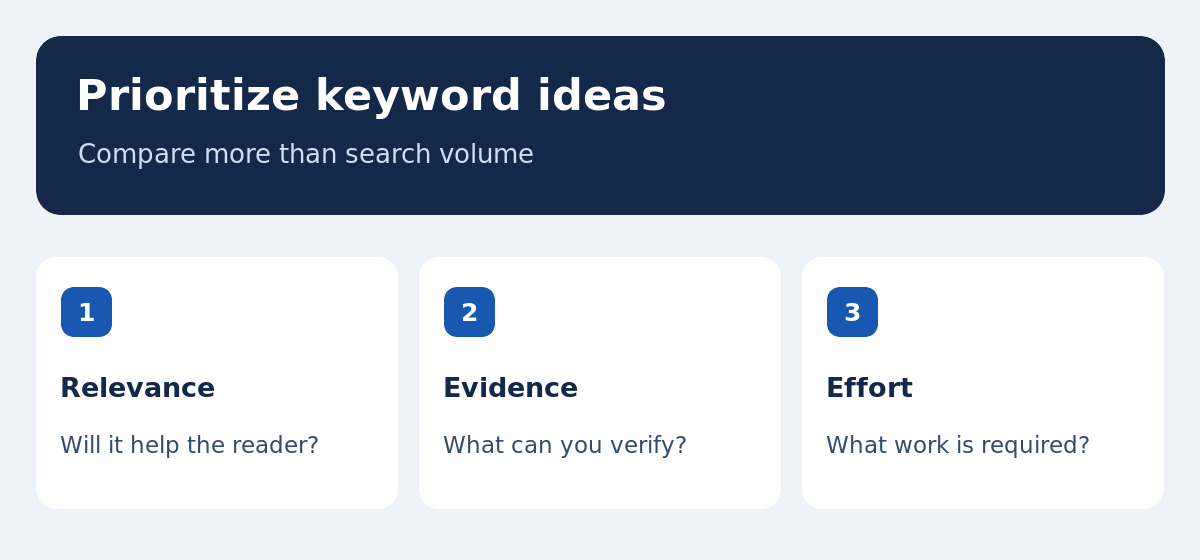
Estimate how much the topic helps the intended reader, what you can verify, and what it costs to produce and maintain. A query with low volume can support an important decision, such as choosing how to migrate a subscriber list. A broad keyword may attract more traffic but demand a comparison you cannot update reliably. For each candidate, write down the best contribution your page could make. Include the time to gather sources, check examples and add links. Keep uncertain topics in an observation list and define what would make them worth publishing. This helps the team choose work that can survive the next review.
Check location and language coverage on a known example
For a local search, confirm whether the tool supports the city or region you want. For a multilingual subject, test each market independently, even where the language appears identical. A French query used in Canada may differ from the wording people use in France. Start with a known topic and compare the ideas against Search Console and the current results. If you need narrower location support or French coverage, our KWFinder review and Ranxplorer review explain how to test both. Keep a record of location and language settings with the export.
Turn the map into an editorial brief
Write the task, format, reader questions, sources and expected next step. Assign a target URL and choose where links should come from. For claims that may change, write down when and where they were checked. Review the draft against that brief, and verify that readers can navigate to it before you publish. After release, use queries and landing pages to see if the audience is finding it for the intended purpose. If different URLs appear for a query, review their roles before changing either one. Our SEO content writing guide covers the editing and post-publication checks.
Test tools with a representative workload
Pick one existing page, one new topic and a secondary market. Run the same tasks with each tool. Record how many lookups you need, whether you can inspect the results and how easy the exports are to reuse. Check the limit that would affect your own workflow first. An agency may care about exports and multiple markets, while an editor may need to research a handful of pages per month. Ask a second teammate to repeat the analysis. A practical test should show whether they can reconstruct the settings and arrive at a usable brief without depending on your memory.
When an idea shows little or no estimated volume
Check spelling, variants, country and what your customers actually ask. A specific question can be worth answering even if the tools have little data. See whether it belongs as a section in a broader guide or deserves a dedicated page with a different task. Keep the decision and the evidence in your map. Review it once search data or recurring support questions provide more context. A small amount of uncertainty is often acceptable when the answer is easy to verify and serves an existing reader need. For an expensive new page, define what evidence would justify the investment before commissioning it.
Keep the map useful after a redesign or migration
Save the purpose of a page along with its URL. If you move the content, record the previous destination, the new destination and the internal links that need attention. Check whether the language variants still serve comparable tasks after the change. If a category is reorganized, make sure the key guides are still reachable and their links use the intended locale. Regular updates let a new editor see why a query maps to one page and avoid recreating a near-duplicate that serves the same need.
How to document an uncertain choice
When two page formats seem plausible, save the specific results and explain what would make you choose one. For example, plan a small comparison if readers need to see alternatives, or test a tutorial if the biggest obstacle is setup. Include a review date, and check whether the main queries and the actual result types still agree. Pay attention to which page people reach from your own internal links. This gives you a practical way to change direction later without redoing the entire research project.