


SEO rank tracking helps you see where a page appears for selected searches and investigate changes that matter. A rank observation gives you a place to start. To decide what to change, you also need the URL that appeared and the impressions and clicks it earned. This guide explains how to build a keyword set by market, read Google Search Console, and use a dedicated tracker without confusing the two data sources. It includes examples for a site publishing in English and French and a reporting workflow a teammate can repeat. The numerical examples are illustrative.
Build a keyword set around useful pages
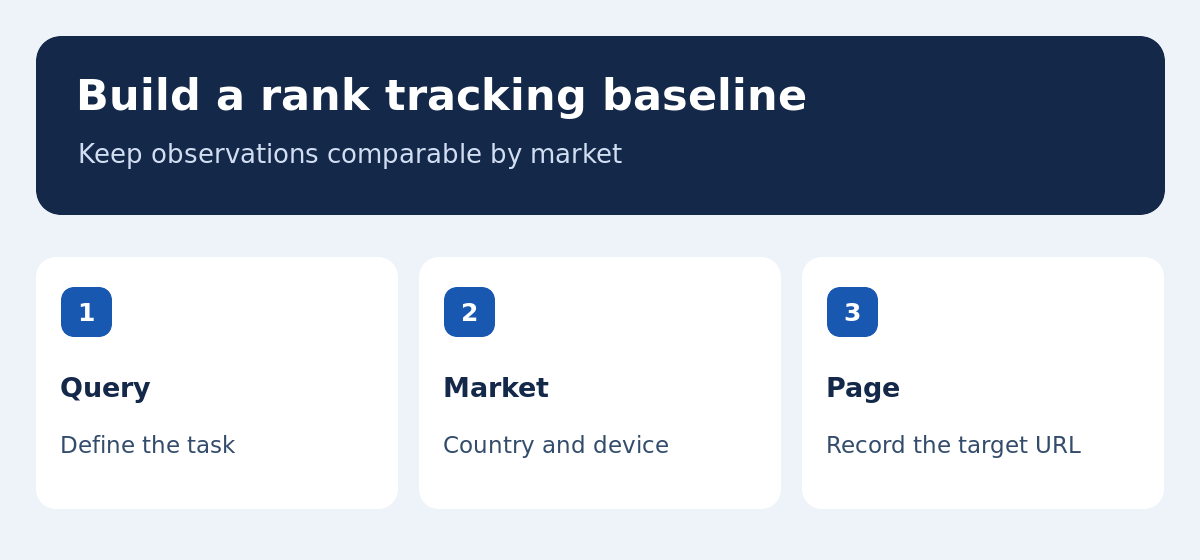
Start with pages that support a business or editorial goal, such as a category, a guide leading to a sale, or a product page that answers a specific question. Select a few representative searches for each page. Record the intended URL, country, device and task. Separate brand terms from generic queries. Demand for a brand can rise while the broader category becomes more competitive. Keep newly discovered queries in an observation list until you have decided which page they fit. If you add them to the baseline, record the date so a change in the keyword set is not mistaken for a change in the site.
Keep country, language and device settings consistent
A French-language query in France and its closest English equivalent in the United Kingdom represent distinct observations. In some markets, the same spelling can have a different meaning or serve a different buying task. Check results in the location and language you intend to reach. Select a city when local results matter and your tracker supports it. Keep desktop and mobile observations separate if both affect decisions. In Search Console, use country and device filters when comparing periods. An increase in mobile traffic or impressions in a new region can alter a sitewide average even when the priority pages hold steady in their original market.
Read average position in Search Console in context
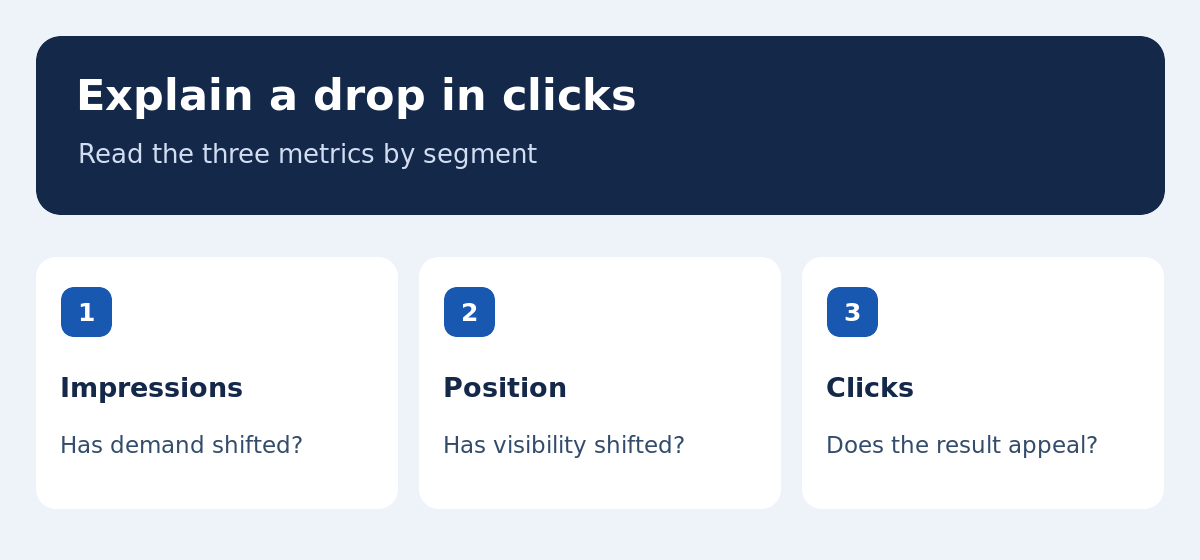
Search Console counts impressions, clicks, and positions according to how a result is displayed. The Google Search Console help page explains how positions are assigned, including the highest position of a result from your site in certain views. The number is an average across observations within the selected filters. Review the query and page dimensions before interpreting a sitewide change. If a page starts showing for many additional queries at lower positions, the average may fall even as qualified clicks rise. Compare the original queries with the new group and inspect which URL appears before deciding whether visibility has changed for your main target.
When to use a dedicated rank tracker
A tracker such as Ahrefs Rank Tracker observes a fixed list of searches and helps compare results across sites under consistent settings. Search Console shows activity associated with your own property in Google Search. Use the tracker to spot changes in a known query set and Search Console to understand actual impressions and clicks. When comparing subscriptions, check update frequency, location support, export limits and allowances for each device. Estimate how many observations you will need when a term is tracked in more than one market. A higher frequency matters most when the team can identify and act on a meaningful difference.
Record a baseline another editor can reproduce
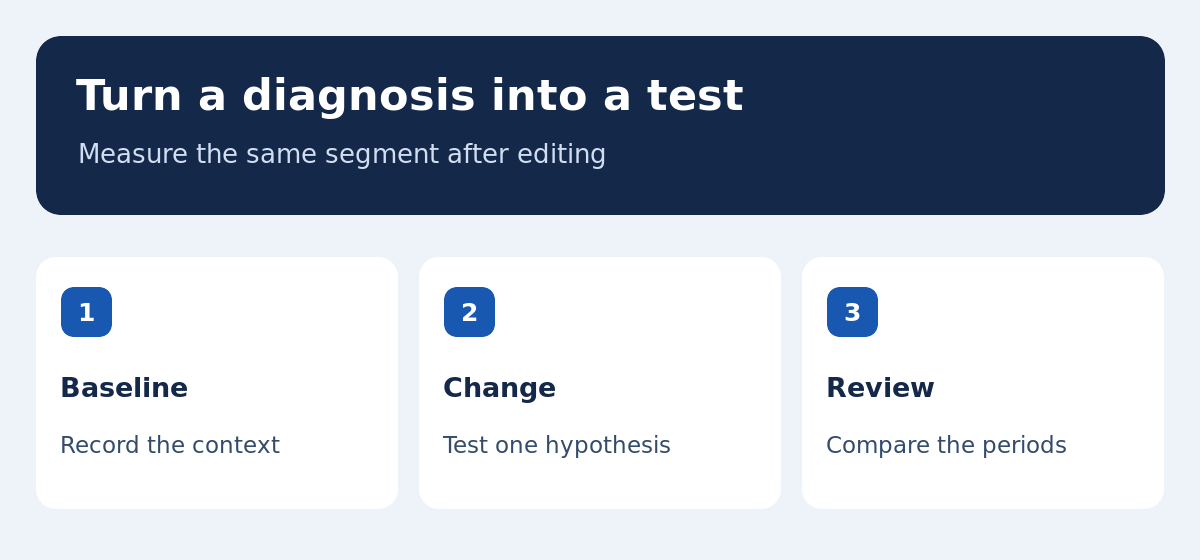
For each priority URL, save the query group, market, device, date range, and expected page. Note publishing dates, title changes, migrations and navigation changes. Download a sample report before editing. If results layout might explain a difference, save a dated screenshot with account or personal information removed. Keep the numbers and the diagnosis separate. The report can say that a guide received fewer clicks on mobile while noting that a change in results format is a hypothesis. Give teammates enough detail to reapply your filters and compare the same pages after release. Keep unrelated sitewide changes visible so later analysis can account for them.
Worked example: fewer clicks on stable impressions
Suppose an ecommerce email guide has 1,000 impressions in consecutive comparable periods in one country. It earns 60 clicks initially and 35 later. Click-through rate falls from 6 percent to 3.5 percent. Filter to the target query and review the ranking URL. If impressions and average position for that query are stable, inspect the results and the page title. Has a competing result made pricing or the comparison date easier to see? Does the decline occur mostly on mobile, where the layout is different? If a different URL now appears, compare the two pages before changing the title. Use the evidence to choose a single test.
Worked example: lower average position with more traffic
A guide might begin receiving impressions for new phrases in a related topic. Many new observations occur further down the results, bringing down the average position. If the existing important terms hold their positions and the new phrases attract qualified traffic, the page may be doing more work than before. Separate the original queries from the new ones and check the landing page for both. When the new queries reveal a distinct task, link to a specialist page or add one where you have a useful answer. Avoid changing a section that continues to serve the core audience simply to improve a blended average.
Investigate two URLs competing for the same search
Filter to a query, open the Pages dimension and compare the URLs under the same country, device and periods. Alternating URLs justify a closer look when both try to answer the same question. First read them as a visitor. A general guide and a product review may both make sense if their purposes differ. If the content overlaps, examine headings, canonical URLs and internal links before deciding whether to differentiate or consolidate it. Our semantic SEO guide explains how to give each page a clear task. Before redirecting or retiring a URL, identify the existing links and the best destination for visitors.
Turn a diagnosis into one testable change
Write down what you observed, your explanation and the result that would support it. For example, if the page appears for a comparison query but the title emphasizes a definition, test a clearer title while keeping the rest stable. If visibility fell across URLs using the same template after a release, investigate crawl access and rendering before rewriting text. Our SEO starter guide covers those checks. Note the release date and collect enough observations to avoid treating a short fluctuation as an effect. Compare the exact segments measured at baseline. Use Google’s traffic-drop guide if the decline is widespread.
Build a report that leads to a decision
Give each issue an affected page, period, audience and next action. Show clicks, impressions and position together when possible. Provide the data source and settings so observations from two tools are easy to distinguish. An automated alert is useful as a prompt. A human review still needs to check which page appeared, whether there was a change in demand and whether you can reproduce the issue. If available observations are sparse, widen the time window or group queries serving the same task. State what evidence would make you act later. Report unresolved questions alongside completed fixes so the team knows where another test is needed.
Use the baseline during a website migration
Before moving a site, record the pages and queries most important to visitors and pair old URLs with their intended replacements. After launch, confirm that representative new URLs open and can be indexed. Watch old and new addresses separately in the period where search systems are recognizing the change. For a bilingual site, check both language paths and their alternate links. Confirm that a redirect you control leads to the intended page and locale. A tool that tracks rankings may surface a different URL sooner than a broad performance report. Compare both before deciding whether there is a technical problem or the migration is still settling.
Decide how often to review positions
Choose a schedule informed by the business impact and how quickly you can act. Daily checks may be useful during a migration or for a limited set of high-priority pages. A slower editorial cadence can work for a stable site if it includes a regular review of queries and clicks. Avoid treating a single daily change as a trend. Agree on which changes justify urgent inspection, such as a widespread disappearance after a release. Add new terms during launches or when search data keeps revealing a new need. Use our keyword research tools guide to build the observation list.
What to do when the data is sparse
For a niche question, one or two clicks can change the reported rate substantially. Extend the window and review close variants that share the same task. Check whether important pages are indexed and linked from a relevant section. A lack of visible query-level data does not establish that nobody finds the page useful. Keep the observed facts and the uncertainty explicit. If you use a third-party tracker for a niche expression, inspect the result itself before treating the number as evidence. Set a date for the next check and define which change in impressions, clicks or the ranking URL would alter your decision.
Maintain the keyword map as the site grows
Review each group when a new product launches, a guide changes focus or a market gains a dedicated language version. Keep the old group available for comparison rather than silently replacing its terms. Label experimental queries with the date and reason they were added. If a new search belongs on an existing page, add a suitable section or internal link after checking the results. If the task is separate, name the intended page and assign an owner before publishing. This routine helps prevent different teams from independently creating near-identical guides for the same audience and then trying to explain their changing rankings.