


Systeme.io brings together a sales funnel builder, email marketing, automation, and course hosting. Its appeal is that one service can handle signup, checkout, and access to what the customer bought. The best way to decide if it fits your business is to test a representative offer and identify the first plan limit you would hit. This review explains what to check before choosing an account, moving a subscriber list, or relying on the platform for course delivery. It uses vendor documentation and a sample workflow rather than assuming every business needs the same features.
Who is likely to benefit from Systeme.io?
A solo creator selling one course, a service provider with a downloadable guide, or a small team collecting signups before a launch may want one place to manage these tasks. A store with a complex catalog or a company with a custom CRM should test a workflow at the edge of what it needs. Decide what each system must continue to own. For example, you can keep a WordPress site that already brings in search traffic while testing a separate checkout and course area. A clear boundary makes it easier to compare results and to reverse the pilot if the new setup is a poor fit.
Build a sales funnel that reflects the real offer
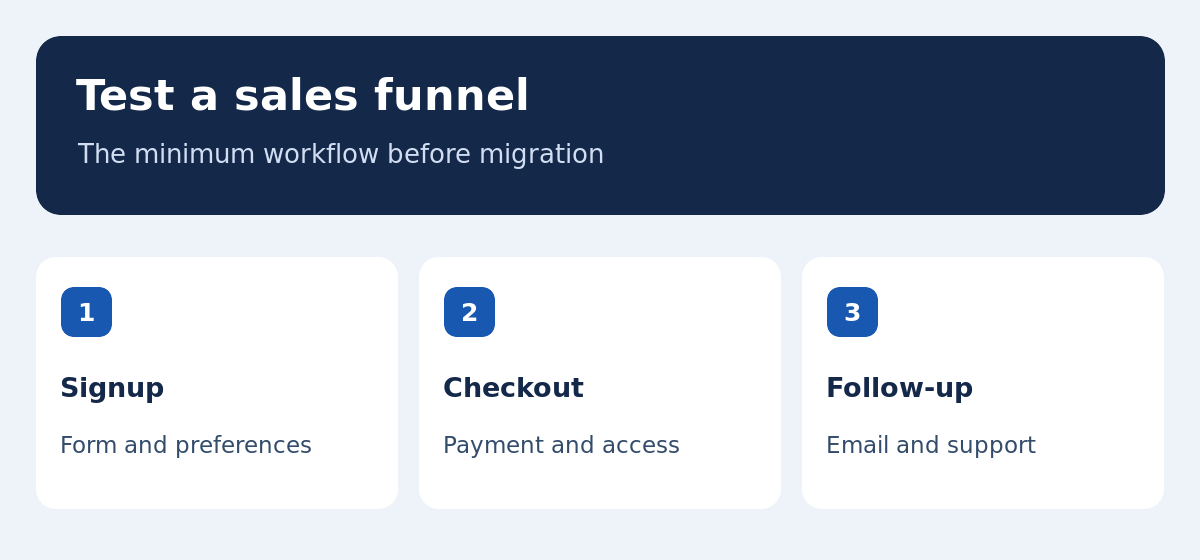
Start with an offer page that explains what someone gets, any important limitations, and what happens after payment. If you offer a sample before purchase, connect the signup form to an email that delivers it. Then connect checkout to the receipt or confirmation and the right course or product. Draw the path before deciding how many pages and automations you need. Test on a phone, where a price detail or payment option can be harder to find. Recheck the language, links and call to action at each step. The page builder is useful when these actions are easy to test and change.
What to check on the free plan and pricing page
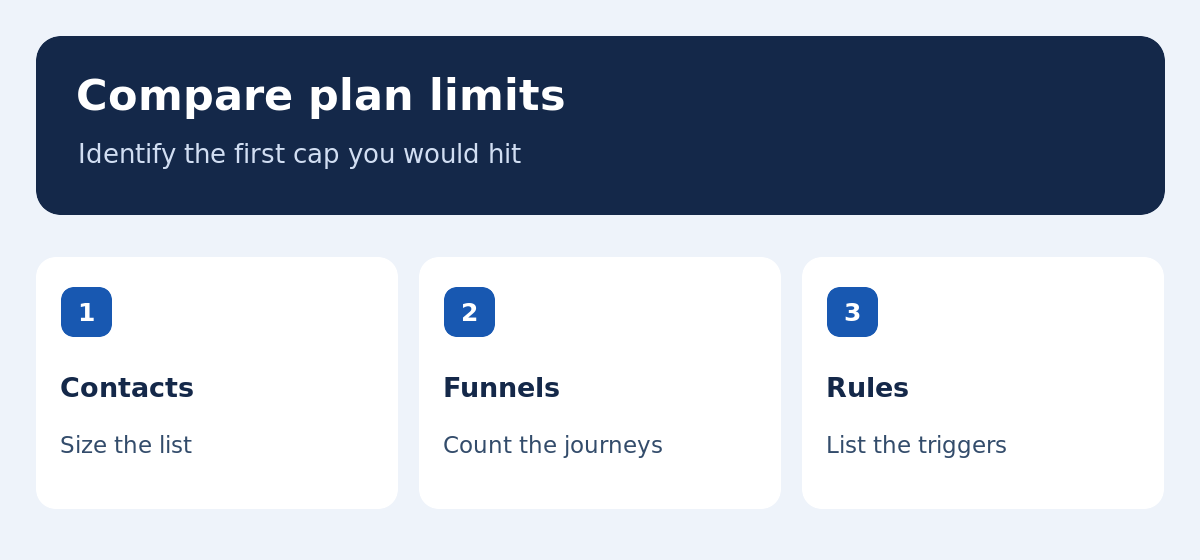
The official Systeme.io pricing and feature table lists a free account and paid plans. Compare contact limits, funnels and steps, campaigns, courses, rules, and custom domains for the version you can actually subscribe to. A plan may fit your list but run out of automations before you can support two offers. Document the current workload and a plausible next launch, then identify which allowance becomes a constraint. If billing is annual, check what happens when you outgrow the plan midyear and what renews automatically. Use the current vendor checkout for exact prices and taxes in your region.
Count the total cost of a working funnel
Compare subscriptions alongside domain costs, payment processor charges, migration effort, and tools you would keep. If Systeme.io replaces an email tool but your store and analytics service remain, include them in both budgets. Estimate time spent maintaining the setup and handling failed orders. For a first course, consider whether a second offer would require a new workflow or create a step you currently do manually. A useful comparison includes the current cost, the cost at the next usage tier, and the work you would need to do to leave later. Check that the export you need is practical before counting a tool as replaceable.
Test email automation before moving a mailing list
Create test addresses for a new signup, a returning buyer, a duplicate address and an opt-out. Verify which event starts and stops the welcome or sales sequence. Inspect the sender, links and rendering on mobile. See what happens when a buyer cancels or updates a preference. During a migration, copy only fields you need, then compare the source and destination. Check how consent and suppression data are preserved so an opted-out contact does not receive a campaign after import. Our ecommerce email software guide outlines the checks to repeat when you connect a store.
Test checkout and access to the first lesson
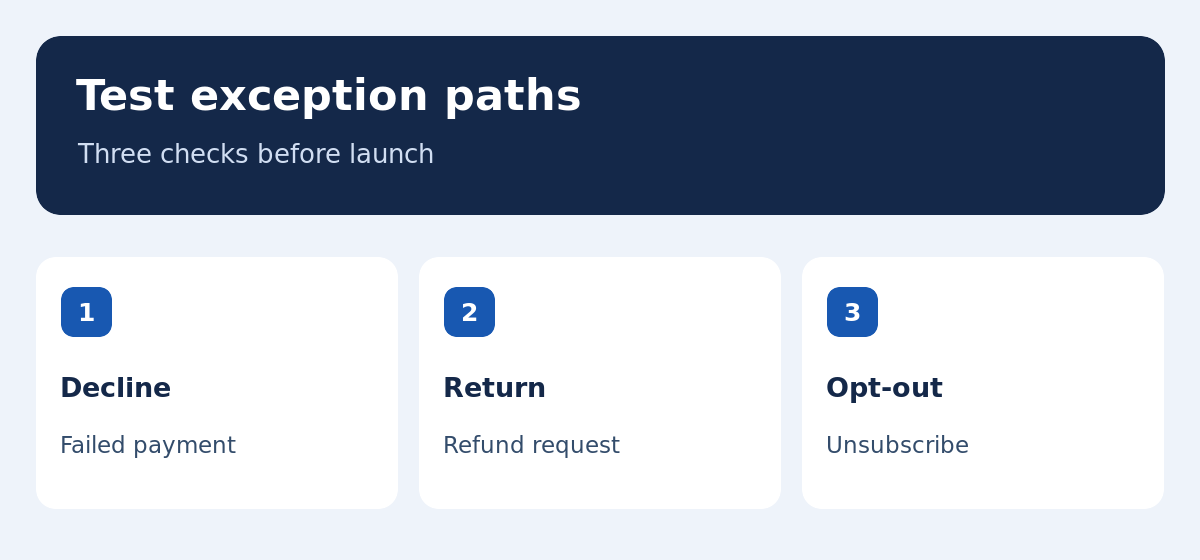
Create a course with a sample module and use the testing options supported by your payment provider. Check the confirmation and open the access link in a fresh browser session. Repeat with a returning customer and with separate offers that grant different access. Confirm what happens if payment is declined, a customer purchases twice, or the order is refunded. If lessons are released over time, verify the schedule from the learner’s view. Record how support can identify a paid order and help a user who cannot sign in. Measure the time it takes to resolve a test issue while nothing is at stake.
Decide what to keep on your current website
If existing articles already attract visitors, keep their editorial role while you test a page for one offer. Check links, branding and navigation between the main site and the funnel. Test a valid URL with and without an existing session. For a bilingual site, verify that forms, confirmation emails, course access and help links match the chosen language. If older search URLs might move, map them before changing anything and test the links you control. Our CMS guide covers the publishing and maintenance questions that matter when you compare a hosted funnel with your existing content management system.
Plan a migration around reversible checkpoints
List the source pages, contacts, rules, products and access records. Export an authorized sample, map its fields, and check it after import. Document which product states must stay intact and who handles a manual correction. Introduce the new forms and checkout in stages, using a separate offer or address where appropriate. Keep a current copy of the source data and the old workflow available until the revised journey has passed the tests. Agree on a decision point for rolling back. A problem with enrollment or email delivery is easier to isolate when several parts of the business are not changed on the same day.
Example: a course with two email paths
Imagine launching a three-lesson course with 300 subscribers. You want one sequence for people who request the syllabus and one for buyers who already have access. Build the first funnel and test both sequences using different addresses. Count the automation rules and see how the workflow handles someone who signs up and purchases on the same day. The contact allowance may be sufficient while the number of rules determines the best plan. Next, compare this setup with a separate course platform connected to your existing mailing list. Reuse the same test cases so a difference in configuration is easier to attribute.
All-in-one platform or a stack of specialist tools?
A single service can reduce handoffs for a small offer, while a specialist stack can preserve useful control for a larger operation. Check where data must move, what happens when an integration fails, and whether each tool provides an export you can use. Try the same signup, purchase and exception scenarios with both options. If advanced email workflows are the main requirement, the Mautic review explains what changes when you maintain a dedicated automation platform. If you primarily need to publish guides and compare software, the value of moving those pages may be limited compared with testing a funnel separately.
Measure the customer journey after launch
Track qualified visits, signups, confirmed orders, and first lesson access. Review support cases alongside conversion data. If signups rise without orders, check whether the offer page describes the product and price clearly and whether checkout runs on mobile. If orders succeed but students cannot start, fix access before paying for more traffic. Compare equal periods and keep a dated record of edits. A funnel tool can record actions, but the result also depends on the offer, the audience and the promise made before someone reached the page. Keep the report focused on the step you can improve.
Verdict: start with one offer and prove it works
Systeme.io is worth evaluating if you want to connect sales pages, email and courses for a simple offer. Before subscribing, confirm your plan allowance, run checkout and verify you can recover the data needed to support customers. Test a declined payment, refund and unsubscribe in addition to the successful path. Decide which existing tools you would still keep and which conditions would require an upgrade. Ask a second person to repeat the setup and read the results. A small pilot will show whether the platform removes maintenance work in your situation and what you would need to change before migrating the full business.
Repeat the test when your requirements change
Revisit the plan before a launch that adds a second language, increases the list materially or introduces a different payment method. Run the test again after changing the domain, segmentation, or course permissions. Keep a dated record of what you tested and the expected result. If you operate several products, maintain a sample for each main offer so a shared rule can be checked without affecting existing customers. Update support instructions at the same time. The test becomes more valuable after launch because it gives the team a concrete way to distinguish a configuration change from a change in the platform.
Prepare a handover for launch support
Write a one-page checklist that tells a colleague how to locate an order, confirm the email address, and grant access if something goes wrong. Practice it with a test account. Record who can edit the funnel, who handles refunds, and where issues should be reported. Check that the same instructions work for customers in each locale. Keep a dated copy of the tested checkout and access flow. If a new error appears after release, this makes it easier to identify what changed and decide whether to roll back or correct the new workflow.
Check which offer the customer actually sees
Open your signup, sales and checkout links from an account that has never visited the site. Follow the same route after signing in as a returning buyer. Verify that the offer name and price remain consistent, that discount information is clear, and that the next page can be identified from the button text. If you operate in more than one region, repeat the checks with the settings that apply to each audience.