


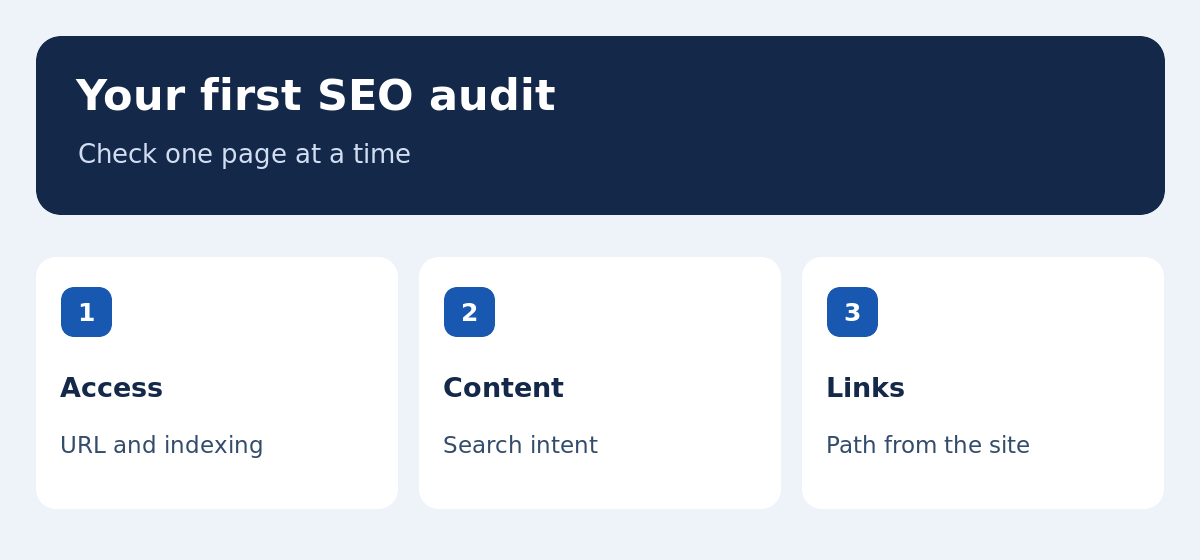
The easiest way to learn SEO basics is to start with one real page. Choose an article, category or product you want people to find. Check that its public address works, that search engines can reach it, that it answers a clear task and that visitors can get to it through your site. Record what you find before changing anything. This beginner SEO guide uses a small shop’s newsletter software comparison as a running example. You can apply the same checks to WordPress, another content system or a bilingual website.
Choose a page and write down its purpose
Record the public URL and what someone should be able to do after reaching it. A comparison helps a reader choose, while a tutorial explains how to complete a task and verify that it worked. A product page helps a buyer evaluate a specific offer. For the newsletter comparison, the goal could be to identify software that supports a particular store and contact volume. A detailed walkthrough of a signup form can live in a separate guide. If the purpose is unclear, ask someone to read the headline and introduction and describe the outcome. Use their answer to check whether your page and the search terms you intend to serve agree.
Check whether the public address actually works
Open the URL in a private browser window on desktop and on a phone. Confirm that the expected page opens, even if it redirects. Try the main navigation, content links and any important form without using an administrator account. A working editor preview can conceal a problem visitors encounter. If you publish in two languages, open both URLs and use the language switcher from each one. Check whether the switch leads to the same topic in the other language. Fix a broken or misleading destination before rewriting the copy. Record where you found the link so you can retest the route after a change.
Separate crawling, indexing and ranking
Search engines can discover URLs through links, sitemaps and other sources. Crawling is the process of requesting the page and reading what it returns. Indexing is a separate decision about which version to store. A search engine then chooses results for a particular query. A page can be reachable but excluded from the index, or indexed but rarely shown for relevant queries. These situations call for different investigations. Google’s SEO Starter Guide explains the core concepts. Check the status of the exact address you want visitors to find before changing its title or adding more text.
Inspect the page in Google Search Console
Choose the correct property and enter the public URL in URL Inspection. Check whether Google knows the address and which canonical it selected. Look for an exclusion or access problem. If you have deployed a change, run a live test to check what can be reached now. A live test describes the page at the time of testing. It does not promise inclusion in search results. Record the two results separately when they differ. The URL Inspection documentation describes what each view can tell you. If an issue affects multiple URLs, examine the shared template or site settings before editing them one by one.
Check sitemap, canonical, and language alternates
A sitemap can help search engines discover the addresses you want them to consider. Confirm that the entry matches the public URL used in your internal links. A canonical tag signals a preferred version among duplicate or very similar pages. Check it alongside internal links and redirects. For two complete language versions, verify both addresses and their reciprocal language references. If the French URL should be discoverable separately, a canonical pointing at an English URL may conflict with that goal. Test the page and inspect the signals before changing global plugin settings. One inconsistent template can affect pages you have not inspected yet.
Match the page to a search task you can answer
Review results for a few relevant queries in your target country. Someone looking for newsletter software may want a comparison. Someone who already chose a platform may want setup steps or help with delivery. Confirm that the format fits and that you can supply useful evidence, such as integration checks or examples at different contact tiers. For an existing page, use Search Console to see which queries already produce impressions. Our keyword research tools guide shows how to combine data sources and map query groups to the correct pages. A strong match begins with reader intent and a concrete answer.
Make the answer and the next step easy to find
Put the short answer near the top and use descriptive headings. Add examples where the reader needs to compare trade-offs. Write a distinct title and a description that reflects what is actually on the page. Link to the guide from a relevant category using descriptive anchor text. From the comparison, link to a form setup tutorial when it would help someone test software. Check each destination in the intended locale. Our semantic SEO guide explains how to put related questions in the right sections and connect pages that serve different tasks. Useful links are easier to recognize when their text describes the next step.
Check the page on a phone and isolate usability problems
Try the main action at a narrow viewport. Can you read the table, use the menu and open a relevant link? Do late-loading images move important controls? Does a form retain what you typed if validation fails? If the problem recurs on pages sharing a template, record one or two examples. Our Core Web Vitals guide explains how to check loading, responsiveness and layout stability. Use a reproducible test to try one change and repeat the same task. A small improvement that applies to a common template can help more visitors than a perfect score on a rarely used page.
Record a Search Console baseline before editing
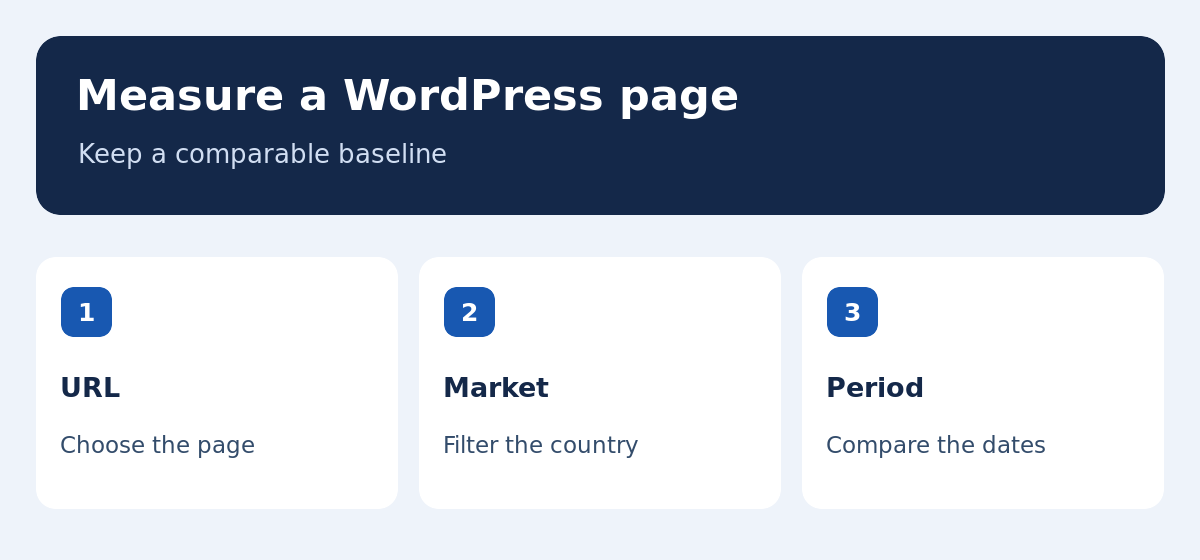
In the performance report, filter to the URL, country and search type. Note impressions, clicks, and the queries behind those totals. If mobile and desktop differ, record them separately. For a niche page, use a sufficiently long window and note relevant events, including campaigns or changes elsewhere on the site. Compare equivalent periods after release. Use our SEO rank tracking guide to interpret position alongside click and impression changes. Agree on the result that would support your hypothesis. A single daily fluctuation rarely warrants a rewrite, particularly when the page has few observations.
Worked example: impressions without many clicks
Suppose a newsletter software comparison gets impressions for pricing and comparison queries, while the title reads like a definition of email marketing. Inspect the results and compare the title with the guidance on the page. If the comparison includes verified plan limits, a title that mentions comparison criteria may help people recognize it. If the page lacks that evidence, update the content first or choose a title that reflects what it actually offers. Record one change and compare the same group of queries later. If a different URL starts appearing, check whether it answers the search more directly. These are illustrative observations, so use your own page and filters.
What if the page earns no impressions?
Start with URL Inspection and internal links. Check whether the indexed or preferred address matches the link people see on the site. If the URL is accessible and indexed, review the task it serves and the existing search results. It may need a more specific example, stronger evidence, or a clearer link from the relevant directory. If it solves a different task, point visitors to the right guide rather than forcing unrelated terms into the copy. Record how long the page has been live. A new page or seasonal topic may have limited observations. Agree on which additional evidence would change your decision and when to look again.
Build a small WordPress SEO audit you can repeat
Pick a priority page, an older page and a new one. Check availability, index settings and paths from the relevant category. Look for shared issues, such as a template adding an unexpected canonical or a menu leading to the wrong locale. Test a shared change in a safe copy and repeat the checks on representative URLs. Once the fix is released, verify the original examples as a visitor. Record the problem, change, release date and what would justify a follow-up. Add these checks to the publishing workflow for new pages and translations instead of waiting for a full site audit.
Decide the next step after your first audit
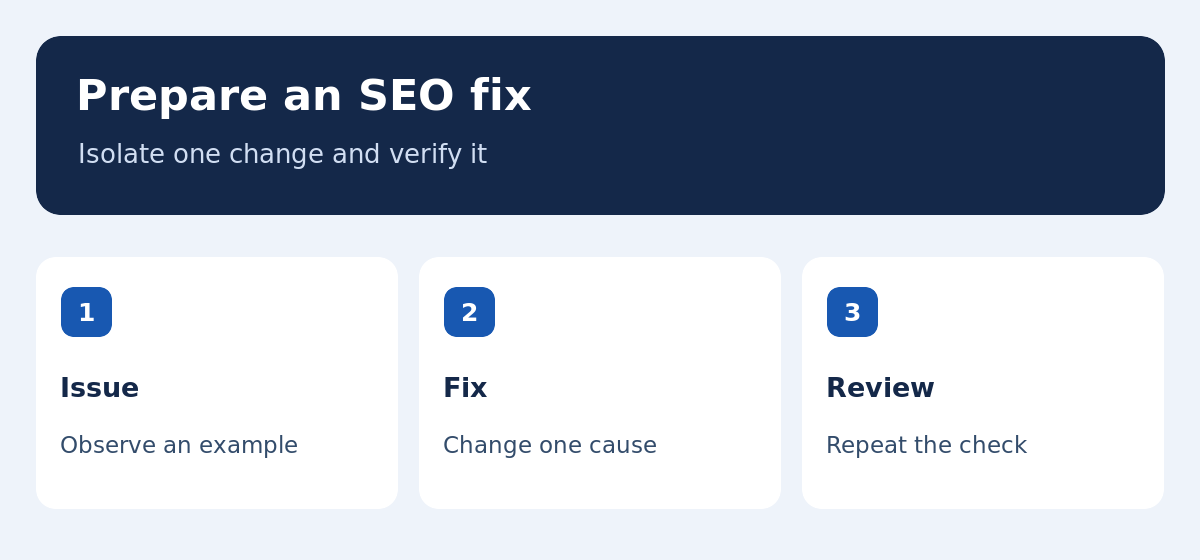
Write down one finding, one proposed change and how you will verify the result. Technical checks can often be repeated immediately after release. Performance comparisons need enough comparable search observations. Ask a colleague to follow your instructions on a second page. If the method is reproducible, apply it to the pages that share the same problem. For bilingual sites, test both the direct URLs and the routes through the language switcher and sitemaps. A clear record makes future revisions easier and helps you distinguish changes in the website from changes in search demand.
Keep a short checklist for future updates
Before publishing or translating a page, confirm the public address, intended task and internal link. Test that the title and description match the content and that people can use it on a phone. After publication, check the status and note the date. When an address moves, test the old destination and update the links you control. Store the baseline so the next editor can see what you checked. Over time, this routine creates a record of the small decisions that keep a site accessible and useful.
Read the result like a visitor
Search for the name of a page or use its direct address to see what a visitor can understand at a glance. Check the opening paragraph against the task you recorded at the start. If someone cannot tell what to do next, adjust the page or its links and repeat the same check with a colleague.