


SEO content writing starts with a question someone needs answered and ends with a page they can find, understand, and use. A useful workflow has a documented brief, a format chosen for the search task, evidence for important claims, and a way to review results after publication. This guide follows a small ecommerce site preparing a newsletter software comparison. The same steps apply to a how-to guide, a product review or a category page. What changes is the decision, the proof the reader needs and the next action the page should support.
State the reader’s task in one sentence
Describe a reader, a situation, and a decision. For example: a small store owner wants a newsletter tool that preserves signup preferences and remains affordable at the next contact tier. This statement tells the writer which examples to collect and which topics belong elsewhere. Setting up domain authentication could be valuable to the same reader later, but it is a different task. Review results for representative queries in the country you want to serve. Look for the format and language that fit. A UK comparison and a French comparison may need different examples even when they recommend the same test process. Keep the task visible throughout drafting.
Write a content brief the team can use
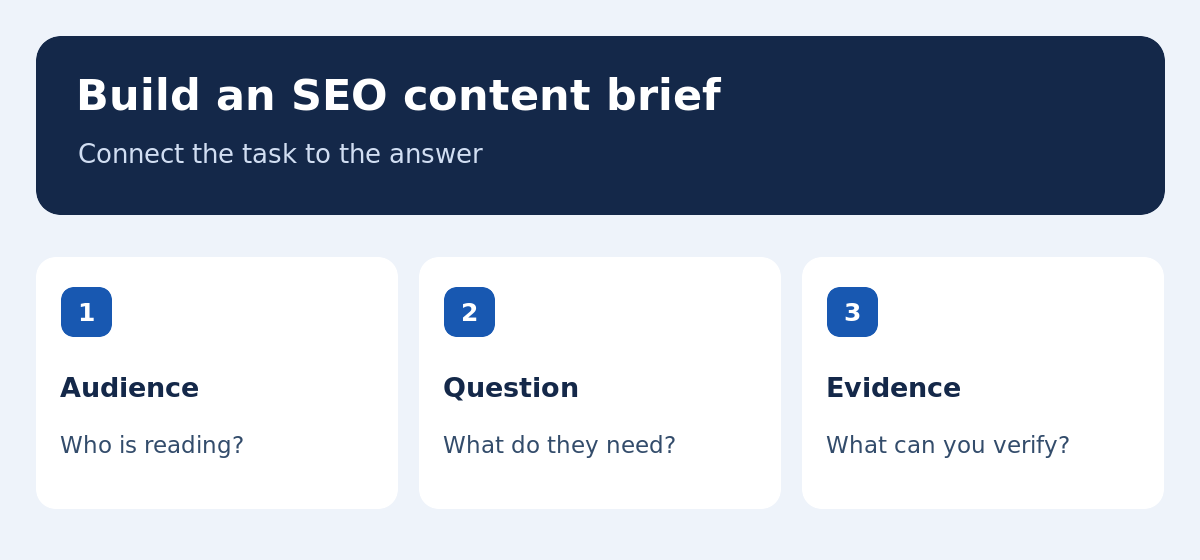
Record the intended URL, audience, main question, related questions, sources, and expected next step. State which claims require verification and where the page should link. If a finding applies only to a plan or region, flag that condition before writing. For a tool comparison, describe the same test each option will face and the information you need from the vendor. Assign the writer and a person who will review claims and links. Identify a nearby topic that needs its own page. Our keyword research tools guide explains how to select the query and format before drafting this brief.
Collect evidence before writing the verdict
Decide what can establish each claim. A vendor table may confirm a published limit. A test can show what happened under a specific account setup. Record the date, location, and assumptions. To compare tools, repeat a signup, order and unsubscribe with equivalent inputs. If you relied on documentation, describe that basis and avoid implying you personally tested the product. For a time-sensitive fact, link to the primary source or show the reader how to verify it. A comparison is stronger when someone can reproduce the observation or find its source. Keep unresolved claims visible to the editor rather than smoothing them over in the draft.
Organize the article around the decision
Give the short answer early, then explain the criteria that would change it. The newsletter software guide might start with store compatibility, subscriber preferences and the expected list size. Include a worked test close to the relevant section, then link to a narrower tutorial for readers who need it. Use headings to show how the explanation is organized. In a how-to article, each step should lead to an observable result. Our semantic SEO guide uses this approach to decide which related concepts and reader tasks belong on a single page and which should be linked separately.
Use keywords where they clarify the answer
A primary phrase helps the page signal its topic. Related words help readers recognize the feature, action or setting they need. For example, define segmentation with a case involving two subscriber groups, and link to a separate deliverability guide when the explanation goes beyond choosing software. Group close variants if the same section answers them. During editing, check that each heading helps people reach a distinct part of the answer. Replace vague terms with the actual names of processes or settings when those names are useful. Remove repetitive references to the main keyword if they consume space without improving the example or making instructions clearer.
Write a title and description that match the page
A title can tell the reader what they will learn and, when helpful, who it is for. A description should summarize the actual benefit. Search engines can display a different snippet when a different passage is a better match. Check that the title, introduction, and description set consistent expectations. Avoid saying a tool was tested if the review uses vendor documentation alone. If the title includes pricing, show where the reader can check it and when you reviewed it. For another locale, use the phrasing readers use there and verify that the examples, units and links fit the translated promise.
Choose visuals that explain part of the task
A diagram helps where the relationship between several steps is hard to grasp in a paragraph. A screenshot can identify a control if it matches the current interface and contains no private information. A table is often more useful than a picture for comparing exact values. Place an image close to the explanation it supports and add relevant alternative text. Make the essential instructions available in the body so readers can complete the task without seeing the image. Check whether the visual remains readable on a small screen. For new language versions, localize the labels that change the meaning of the example.
Edit for facts and usability before polishing style
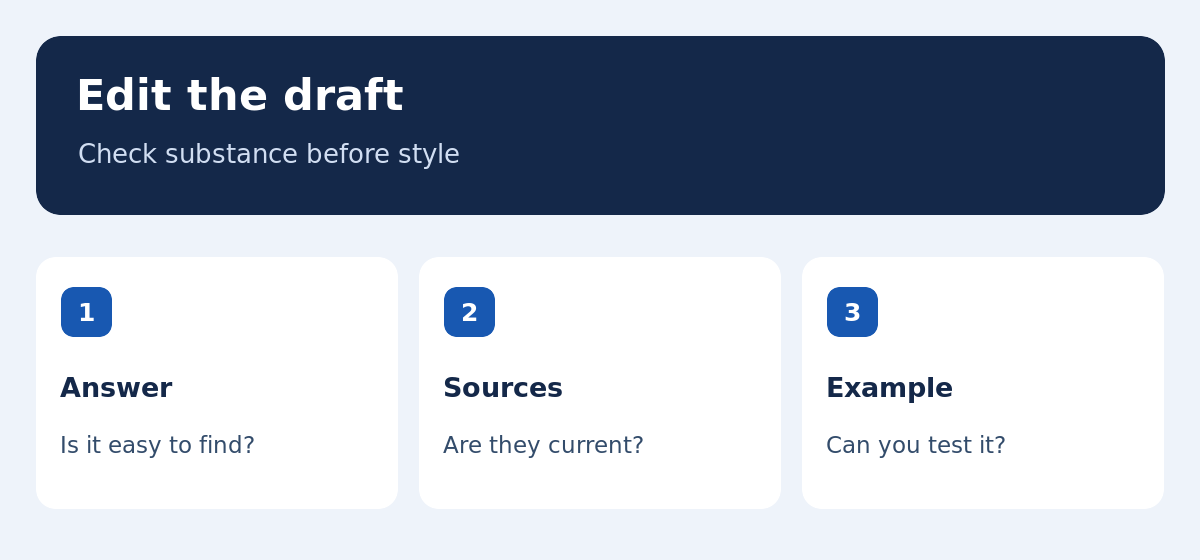
Verify names, costs, dates and conditions. Then read the page as someone trying to make the choice it promises. Can you find the short answer, inspect its source and see what to do next? Check headings and links on a phone. Remove repeated points and ask if a key example is missing. The Google Search Central guidance on helpful content offers questions about evidence and relevance to readers. For longer articles, ask a reviewer to repeat the example or follow the instructions without help. This often exposes unclear steps a line edit would miss.
Worked example: replace generic claims with a test
Imagine a first draft that says email tools save time and lists ten features. Replace the abstract opening with the buyer’s decision: which app can sync orders and preserve opt-outs at a manageable cost? Show a repeatable signup test with an address that already exists. Include an example order and a cancellation. Record the fields and events you expect in the result. Add a section explaining where volume or plan limits change the decision. This makes the copy more specific and lets the reader evaluate their own workflow. It also grounds the verdict in what the documentation or test can actually establish.
Verify the public page and translation
Open the address in a signed-out browser and check headings, examples, links and images. Confirm that the page is reachable from the appropriate directory. For a bilingual site, check each language from a direct address and through the language selector. Read the translated headings and image labels to make sure they retain the intended meaning. Record who will review vendor facts and when. An article may be technically live while a major source is out of date or a related link still leads to the other language. Our SEO starter guide covers access, indexing and the first performance check.
Use Search Console to decide what to edit next
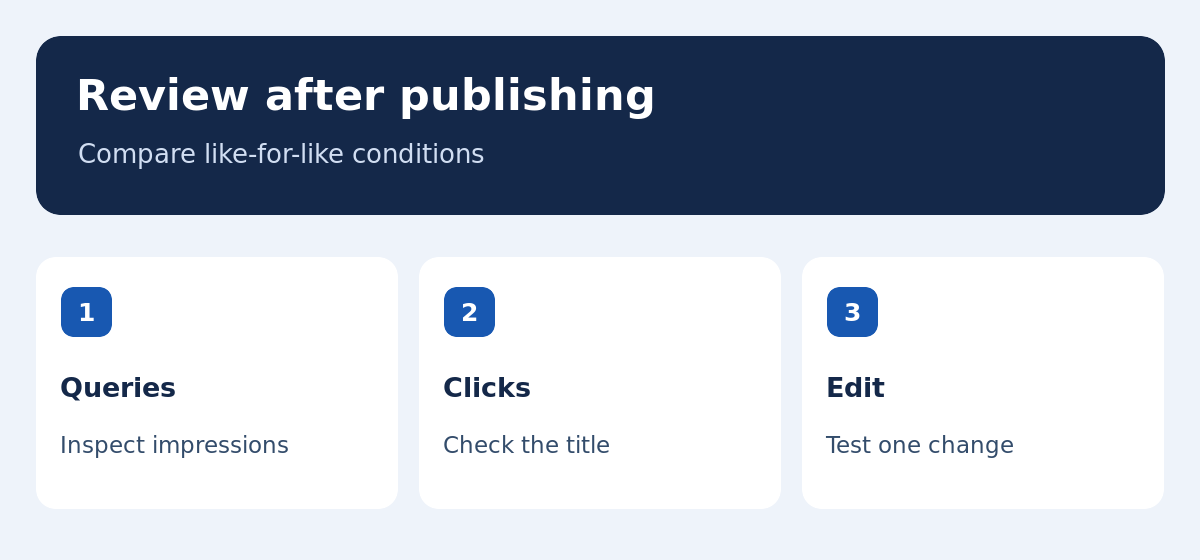
Review the URL’s queries, impressions and clicks for the market you intended to serve. A question that appears repeatedly may reveal a missing explanation. Check which page receives impressions before adding a second one. If the title promises a comparison and the results serve a separate task, reconsider the format, opening and links. Record one change and compare equivalent periods after sufficient observations. Use the rank tracking guide to distinguish a shift in demand, position or page selection. Keep facts separate from hypotheses, especially when low traffic makes trends hard to judge.
Choose a maintenance schedule based on the claims
Definitions and methods may remain reliable for a long time. Pricing and product features can change quickly. Put volatile claims and their sources in the editorial record and schedule a review at an appropriate interval. When a policy or plan changes, check the examples, summary and other pages that depend on it. Keep the parts that still answer the task rather than replacing all copy each time. Save the date and reason for material edits so the next editor can check them. If several articles reference the same limitation, assign a single owner for updating the references consistently.
Preserve the useful parts of an existing article
Before revising a published guide, record its URL, language versions, incoming links and sections that already serve readers. Preserve evidence that still holds and keep the navigation clear. If you move a detailed example to a related page, update the link that helps readers reach it. When you add a figure, test the article rather than changing every page that shares the template. After release, compare queries related to changed and stable sections separately when the data allows it. This approach makes it easier to evaluate a specific editorial update alongside other changes in search results or visitor demand.
Hand the checklist to another editor
Ask another person to identify the question, find the evidence and follow the next step. Confirm that links and images work on a phone, and document claims that still need checking. Save the locale, date and draft version. The page is ready to review when the examples can be repeated and its decisions make sense to a visitor.
Document the examples that support the conclusion
For each example, record its purpose and the conditions it assumes. In a newsletter comparison, that can mean a small store, two signup sources and one imported list. Note which part of the process was checked and which was inferred from the documentation. If a reader could interpret the result as a guarantee, narrow it to the actual case. Keep enough detail that another editor can update the example when the vendor changes its interface, without having to reconstruct the entire review. This keeps the article useful without promising more than it can support.